
The most-used XML editor in the world
A 2017 post making a controversial claim: the most widely used XML editor in the world is Microsoft Word. The argument still holds in 2026.
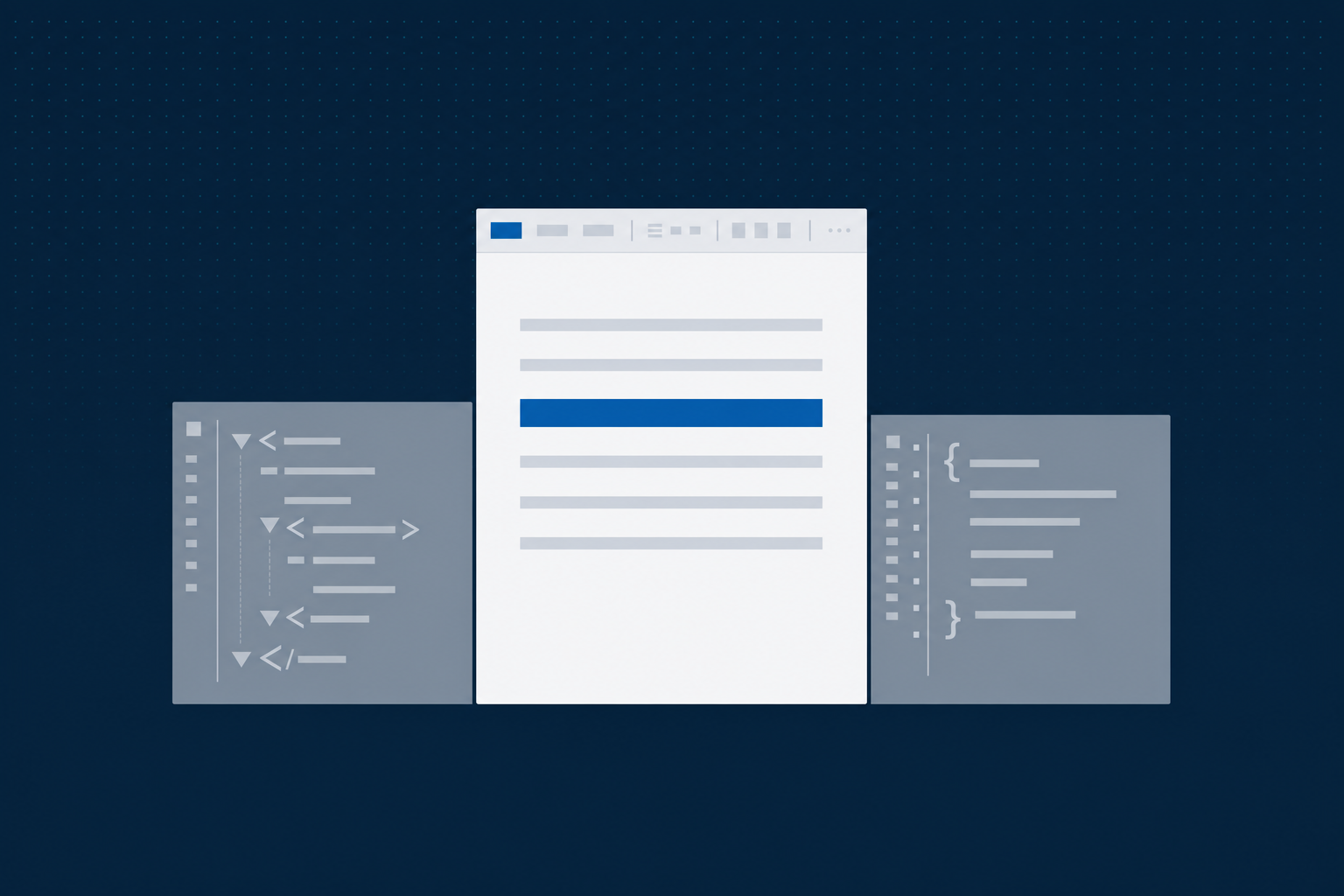
Originally written by Steffen Frederiksen, September 2017. Lightly refreshed in 2026. The substance has aged unusually well, the eight years since publication have only sharpened the argument.
Who cares about XML editors in the first place? There are many different answers. Ever since XML 1.0 became a W3C Recommendation on 10 February 1998, a lot of people realized that this new standard could be used for cross-platform publishing. The fact that an XML file could be processed by computers, and even transformed into other formats using XSLT stylesheets, was excellent news.
XML’s machine-readable, processable character is becoming even more important for newer technologies: content automation, artificial intelligence, machine learning, natural language processing, chatbots and other software robots. Even when these technologies are smart and clever, they still need a lot of help to figure out what a text is about and what the relevant context might be. XML tagging with elements and attributes is the help that closes that gap.
What is an XML editor?
Being entirely character-based, you can write perfectly valid and useful XML using Notepad. In fact, I have worked with people who preferred Notepad to any other tool, but fortunately you do not meet many of them. Most people prefer using tools that provide assistance, making it as easy as possible to write a valid XML file against a particular XML model (a schema or a DTD).
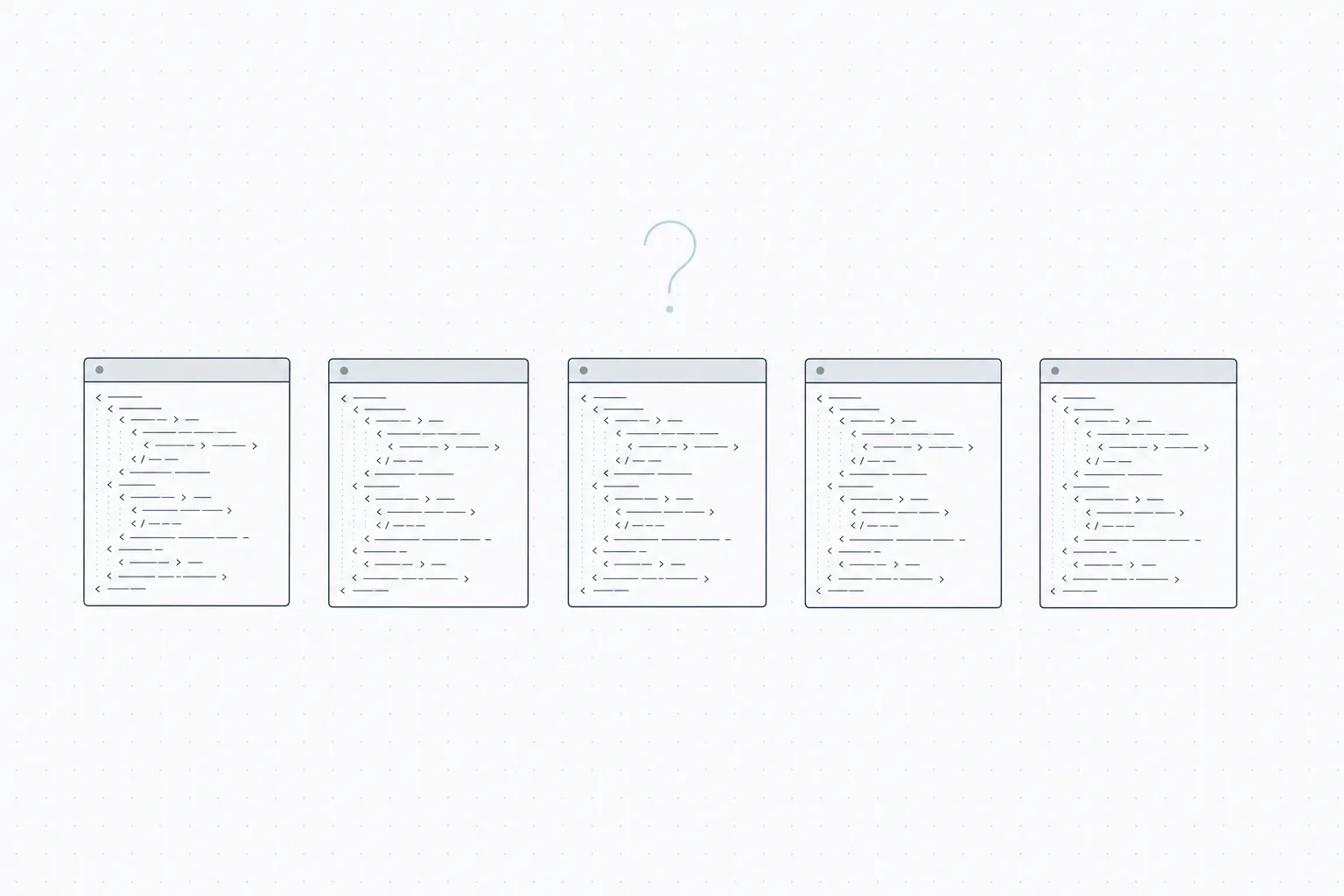
The point of the 2020 survey question: across the implementations canvassed, no XML editor commanded majority share. The absence of a default is itself the finding, and it explains why authoring tooling has been a wide-open question for the field ever since.
Some XML editors provide more sophisticated features for developers. For this post, let us stick with this definition: an XML editor is a software application that makes it as easy as possible to create a valid XML file against a particular Schema or DTD.
Who are the contenders?
There are many different XML editors to pick from, some free, some with a hefty price tag. The major commercial contenders for “most widely used XML editor” include SyncRO Soft Oxygen XML Author, JustSystems XMetaL, and PTC Arbortext. These are impressive and widespread software tools with many useful features. Some are browser-based, some are desktop applications, some offer both.
Asking the open web about user numbers does not produce a clean answer. The product home pages each tend to claim leadership, often with some qualification like “in industry”. User counts are hard to pin down.
So you might think we will end the story here, without naming a winner. But the list above does not have the most-used XML editor on Earth in it anyway.
And the winner is…
This will make me unpopular and I have no sponsors backing me up, but it must be said. The most widely used XML editor on the planet, without any doubt whatsoever, is Microsoft Word.
I can almost hear the protests and the laughter.
If anyone mentions Word in a conference for technical-communication specialists, it inevitably gets that reaction. The reaction is not justified.
Ever since Microsoft Office 2007 debuted, the default file format for Microsoft Word has been the Office Open XML format, packaged in a zipped .docx container. The body of a Word document is XML. Machine-readable, easy to process using XSLT and the rest of the XML toolkit. You can also machine-generate Word files this way. The format is well-formed and valid XML, conforming to the ECMA-376 and ISO/IEC 29500 standard XML schemas.
By 2016, more than one billion users, one in every seven human beings on the planet, were using Microsoft Word to create XML files, without realizing that this was what they were doing. A large fraction of those users would refuse to use a dedicated XML editor even when ordered to.
So even without solid data on the editors listed above, this is, beyond any reasonable doubt, the most widely used XML editor in the world today.
But why use Microsoft Word for XML?
But there is no structure in Office Open XML, some will say. No semantic tagging. Even if your chatbots, NLP, ML, content automation and AI applications can machine-read, generate and transform the files, they will not find the semantic tagging support they need.
Not quite true. If the application needs semantic tagging, that can be done using out-of-the-box Word features: content controls, custom XML parts, structured-document tags. You can add an XML-Schema-based semantic layer that sits inside the Word .docx container. The semantic XML can then be used by any bot, NLP, ML, AI or deep-learning process. It is all there in the file.
The DitaExchange Word add-in does exactly this for DITA specifically: maps Word’s structural primitives onto DITA element types, validates against the DITA schema, and stores the result inside SharePoint as components rather than files. The author works in Word; the structured-content posture is applied behind the scenes.
So: Microsoft Word is the most widely used XML editor in the world, with more than one billion users. It supports XML technology and the newer content-architecture techniques being introduced.
Maybe it is time to stop laughing.
A note from 2026. Nine years later, the argument lands harder. The CCMS field still divides cleanly into vendors that treat Word as a first-class authoring surface and vendors that treat it as an import path. The cost of choosing the second category is documented in the companion post Why technical writers stop using XML editors. For how DitaExchange Dx5 implements Word-based authoring today, see Authoring in Word.
Frequently asked questions
Is Microsoft Word really an XML editor?
Technically yes, since Office 2007 the .docx format has been a zipped container of Office Open XML conforming to the ECMA-376 standard and ISO/IEC 29500. Word writes well-formed XML by default. The XML is also processable by standard XML tooling: XSLT, XPath, schema validation. What Word does not do natively is constrain authors to a semantic schema like DITA, which is exactly the gap that DITA-aware Word add-ins (DitaExchange and Quark Publishing Platform) fill.
Why does this matter for structured-content programs?
Because most structured-content programs stall not on the back-end mechanics but on author adoption. Subject-matter experts will not adopt a dedicated XML editor. They will continue to author in Microsoft Word. The architectural question is whether the CCMS treats Word as a first-class authoring surface with DITA structure applied behind the scenes, or as an import path that requires conversion. The first approach scales across the SME population; the second concentrates structured authoring in a small specialist team.
Does this argument still hold in 2026?
Yes, more so. Microsoft 365 is the operational substrate for the majority of regulated-industries customers, and the SME refusal to adopt unfamiliar XML editors is a steady-state observation, not a transitional one. The CCMS field still divides cleanly into vendors that treat Word as a first-class authoring surface and vendors that treat it as an import format. DitaExchange and Quark are the two products in the first camp; most others are in the second.